Lock the key still
- On sale
- Still → next

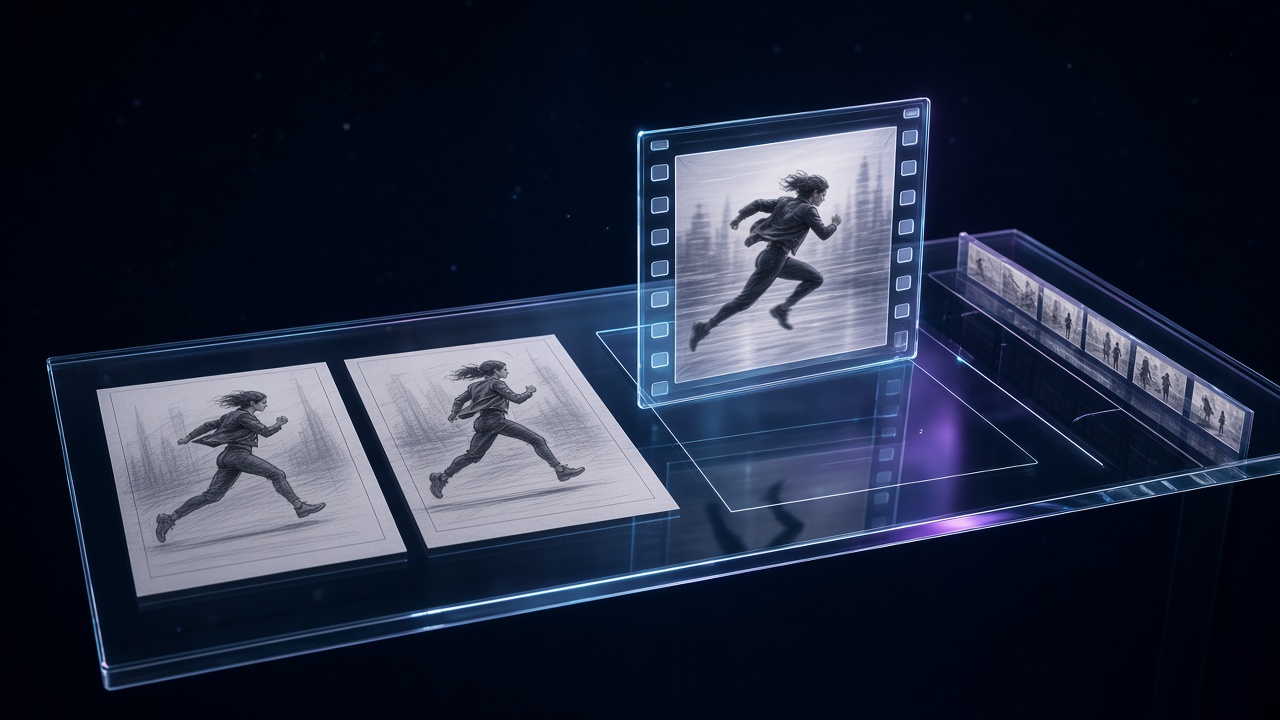
From planning to export, in one workspace.
Quote, generate, compare and adopt—shot by shot.
FrameGlitch keeps planning, structure, references and storyboards in one project, then generation, comparison, adoption and export in the same workspace.
Per-shot references and settings make it easier to revisit why a look was chosen.
Cloud jobs estimate credits from model, duration, resolution and audio before you run. Shortfalls show first.
Quotes and spend can be checked against the job and credit ledger.
Public sales cover Soul, Nano Banana, GPT Image, Midjourney, Flux Kontext and Seedream (image) and Seedance 2.5, Seedance 2.0, Kling 3.0, Wan 3.0, MiniMax H3, Omni 1.2 Flash and T1 (video); the makeover tools (keep the motion, change the person, product or style) are on Studio and above, with Style change on Pro. Typically stills first, then motion.
The pre-run quote is the source of truth for credits.
Lock the key still
Motion from an adopted still
Keep multiple takes per shot, play them, then adopt. Adopted assets stay in history and export for your editor.
Finish audio sync, titles and grade in your editor after export.