
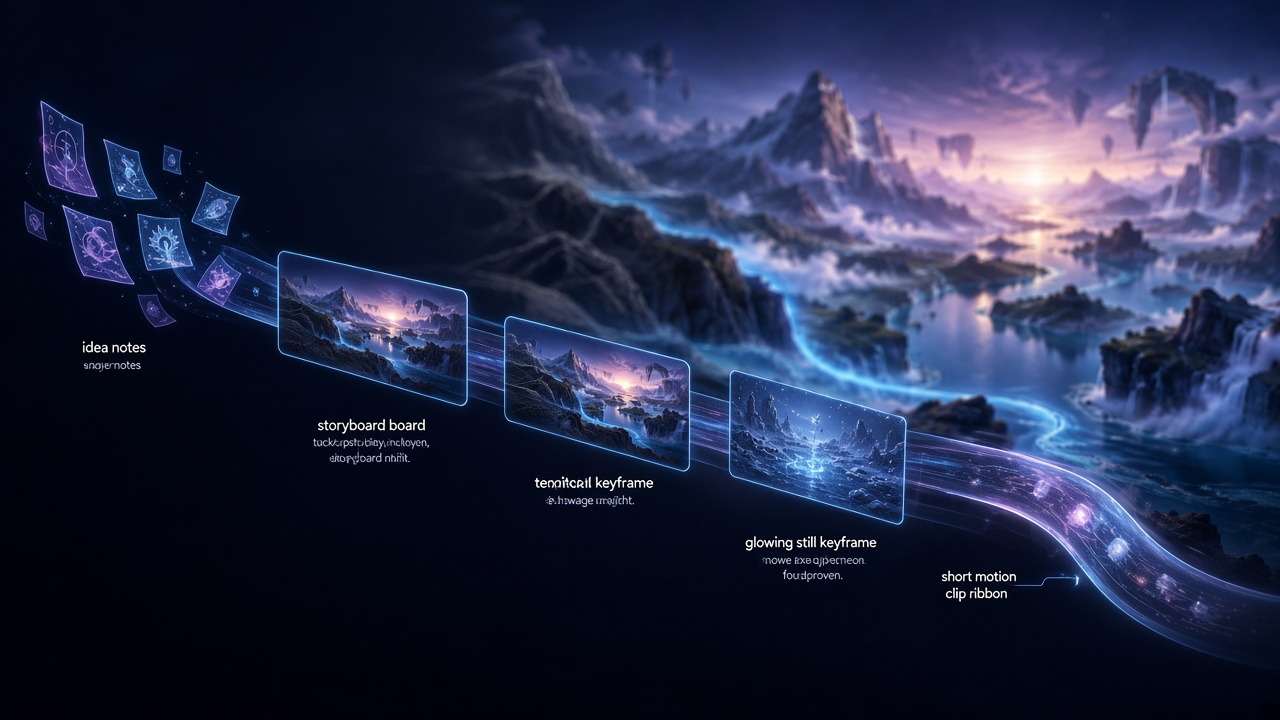
Workflow
Short loops keep direction honest.
One shot: settings → quote → generate → compare → adopt.
Stages
01 Plan
Capture intent, tone and rough length, then split into scenes and shots.
Keep planning notes in the project so later steps share one concept.
- 0101 Plan
Capture intent, tone and rough length, then split into scenes and shots.
- 0202 Boards
Gather character, place and style references; lock framing and camera motion.
- 0303 Generate
Pick model and settings, confirm the credit quote, then run.
- 0404 Review
Play candidates side by side, adopt, then export.
02 Boards
Gather character, place and style references; lock framing and camera motion.
Separate moving content from fixed frames (ratio, margins, title safe) to cut regeneration churn.
03 Generate
Pick model and settings, confirm the credit quote, then run.
For image-to-video, feed an adopted still forward. Audio-on often costs more—preview silent when exploring.
04 Review
Play candidates side by side, adopt, then export.
Finish audio, grade and titles in your editor; return to the same shot if conditions need a change.
Short loops
Prefer one-shot cycles of settings → quote → generate → compare → adopt so you can correct direction early.
Starting at long duration, high resolution and audio-on raises trial cost quickly.
- UnitOne shot
- LoopSettings→quote→run→compare→adopt
- AvoidLong / hi-res / audio first
- Settings
- Quote
- Generate
- Compare
- Adopt